
Download the GUI
Use a familiar tray app to add a profile, connect, and see whether you are ready to work.
Find your downloadSecure tunnels. Precise access.
ntwire gives you a simple, secure connection to the services your team has approved — without routing your entire device through a VPN.
Latest release · Release notes and all downloads
Made for people, not network diagrams
Use a familiar tray app to add a profile, connect, and see whether you are ready to work.
Find your downloadSign in with your team’s SSH key or SSO. ntwire keeps access limited to the services you were granted.
See the simple stepsNeed to run a server, a relay, or a native WireGuard client? The technical guides are there when you are ready.
Explore documentationNo guesswork
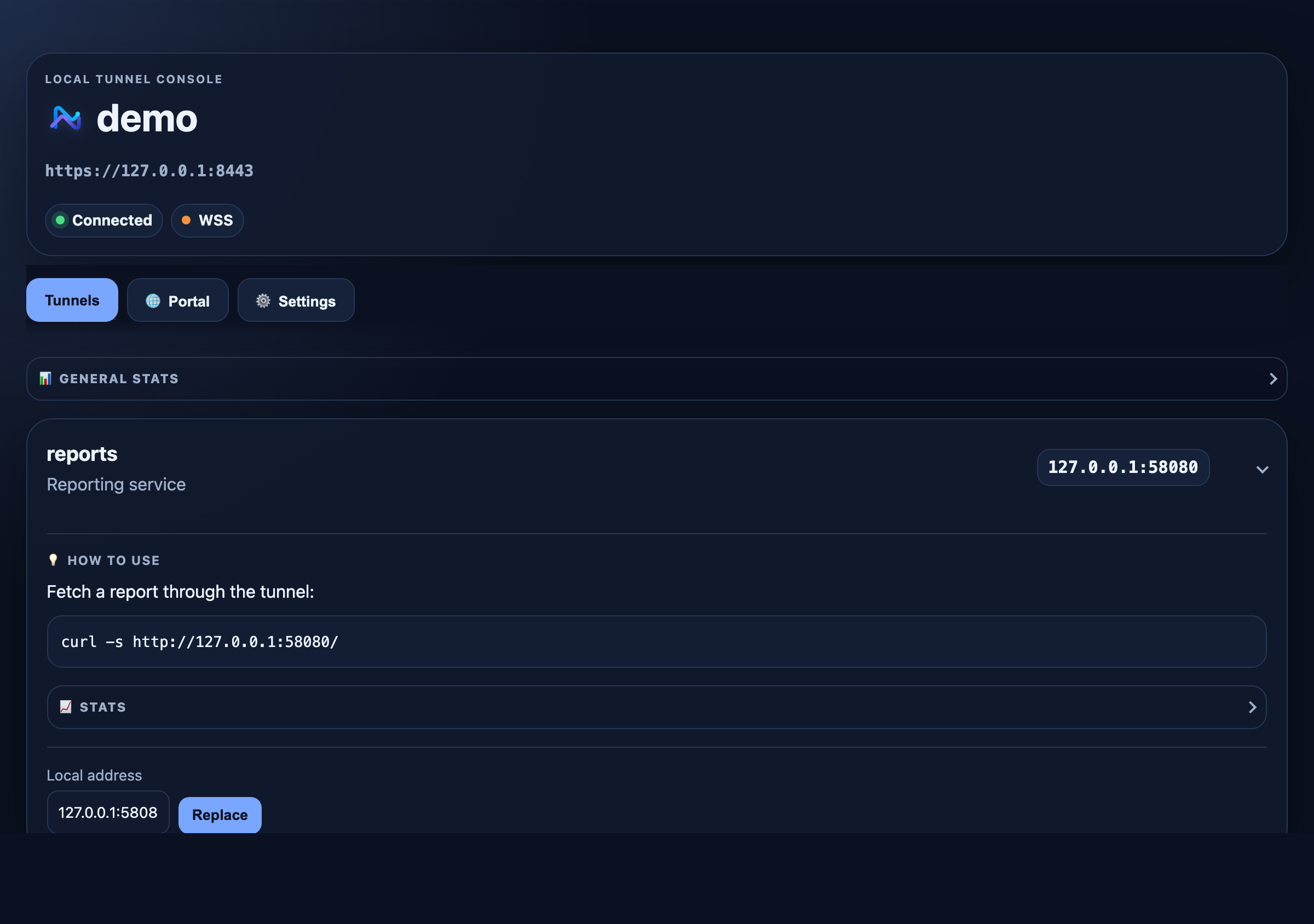
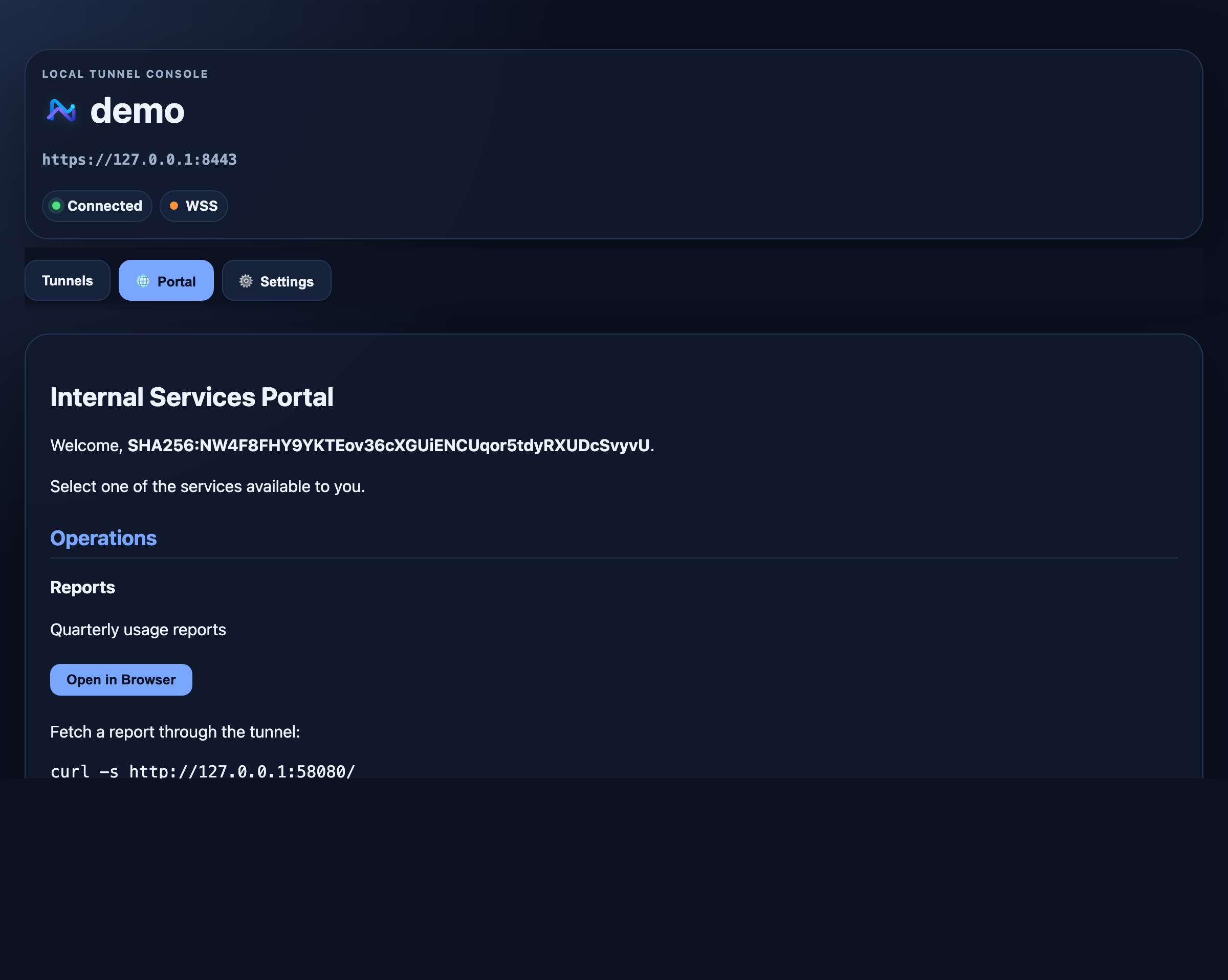
The local dashboard that ships with every client — no separate tool to learn.
Three small steps
Choose the version for your computer. The app lives quietly in your menu bar or system tray.
Paste the address your administrator gave you and choose the sign-in method your team uses.
Open only the approved local tunnels. The dashboard shows what is connected and where to get help.
Official WireGuard apps
ntwire works with the official WireGuard clients on iOS and Android. Your administrator can provide a standard profile or QR code with access limited to the services you are approved to use.
See mobile setupNot sure where to begin?
Whether this is your first secure connection or you operate a fleet of servers, ntwire meets you at the right level.
Start with plain-language fixes for installation, sign-in, certificates, and connection problems.
Open troubleshooting