
Get the app
Download ntwire-gui for your computer and open it. On macOS, use an Apple-silicon Mac; on first launch, follow the expected security-warning guidance if prompted.
A calm first connection
ntwire is provided by the team that runs the services you need. Your administrator controls what you can access; the app makes that access easy to use.
Download ntwire-gui for your computer and open it. On macOS, use an Apple-silicon Mac; on first launch, follow the expected security-warning guidance if prompted.
You will need the server address from your administrator. They will also tell you whether to use an SSH key or your organisation’s SSO sign-in.
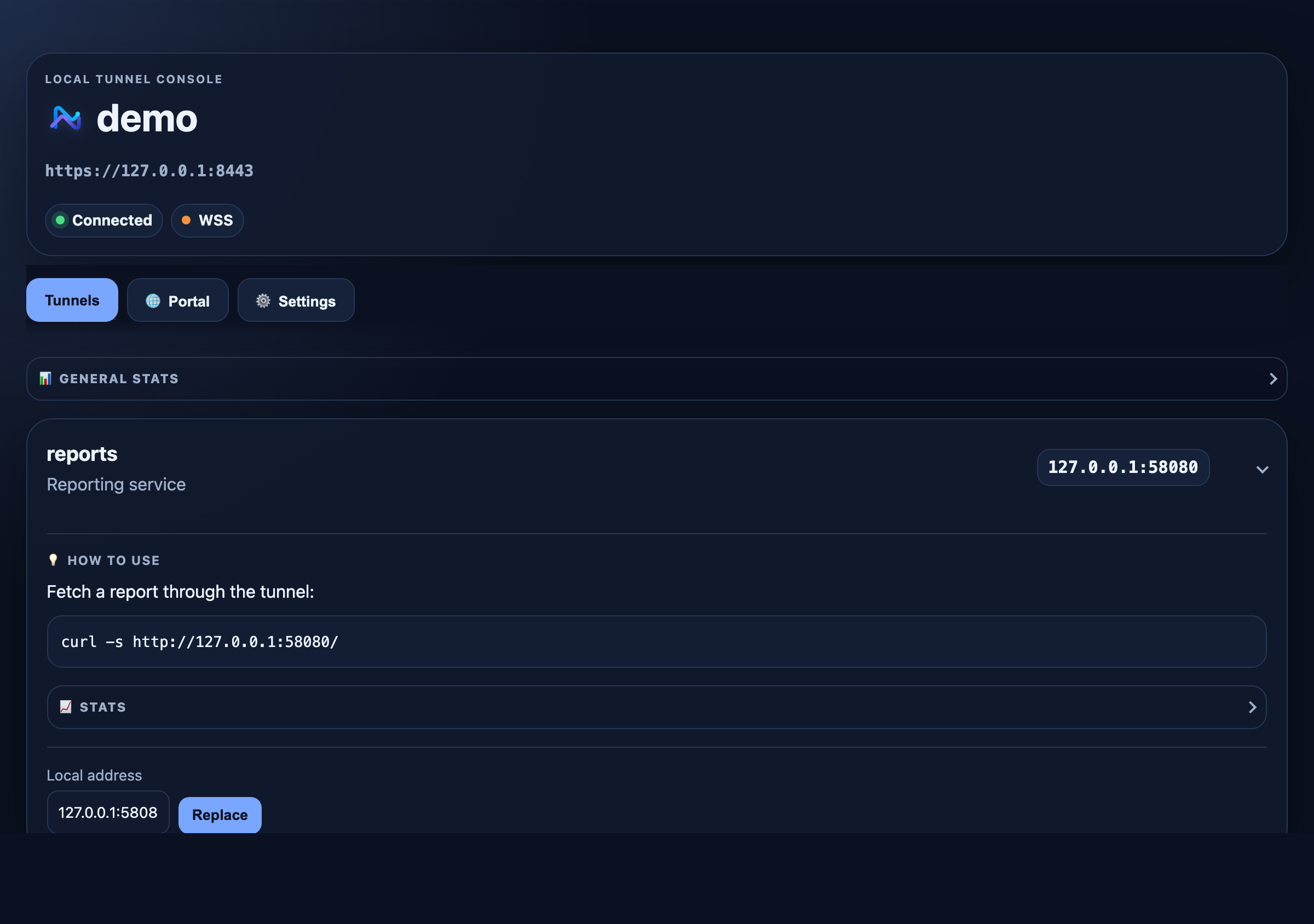
Add a profile in the settings window, choose Connect, then open the local address shown for the tunnel your administrator granted.
It creates secure, encrypted paths from your computer to individual approved services. It does not give blanket access to a whole corporate network.
The tray icon tells you whether profiles are connected. The local dashboard shows your tunnels, connection state, and helpful details without exposing secret credentials.
Need a different route?
Check your server address, SSH key or SSO setup, and certificate prompt.
Fix sign-in problemsUse the ntwire client when you prefer a shell workflow or automate connections.
 Read client documentation
Deploy ntwire-server directly or through ntwire-relay, then grant precise tunnel access.
Open deployment guide